How to first setup a board for use
Congratulations. You got yourself FOME capable hardware. Here are some ideal next steps you can follow in order to prepare for your First Start.
Download and install the latest stable firmware release
This ensures you get the most recent features and bug fixes. The FOME console comes bundled with each firmware release. In the following links you detailed instructions on how to upate the firmware. And In-depth information about the FOME Console
As per the FOME Statement, we want to make clear that FOME is currently a fork of rusEFI, and that present boards are BOTH rusEFI and FOME compatible. As time goes on, and more changes are made, this compatibility may change.
Install Tunerstudio on your tuning computer
Make sure that you have downloaded the latest version of TunerStudio (TS) from EFI Analytic's site. Although the base version of the software is free, it is strongly recommended to buy a license for the additional features including auto-tuning and the ability to customize the default dashboard.
Begin the setup by plugging the ECU into the laptop and opening TS. Create a new project and click detect under firmware. Select the COM port corresponding to the FOME ECU in the device list. If the COM port cannot be found or the firmware cannot be automatically detected, click Other/Browse and load the .ini file for the ECU which can either be downloaded or found within the ZIP file on the USB device which appears when the ECU is plugged into the computer.
Start Configurating/Modifying your TunerStudio Project
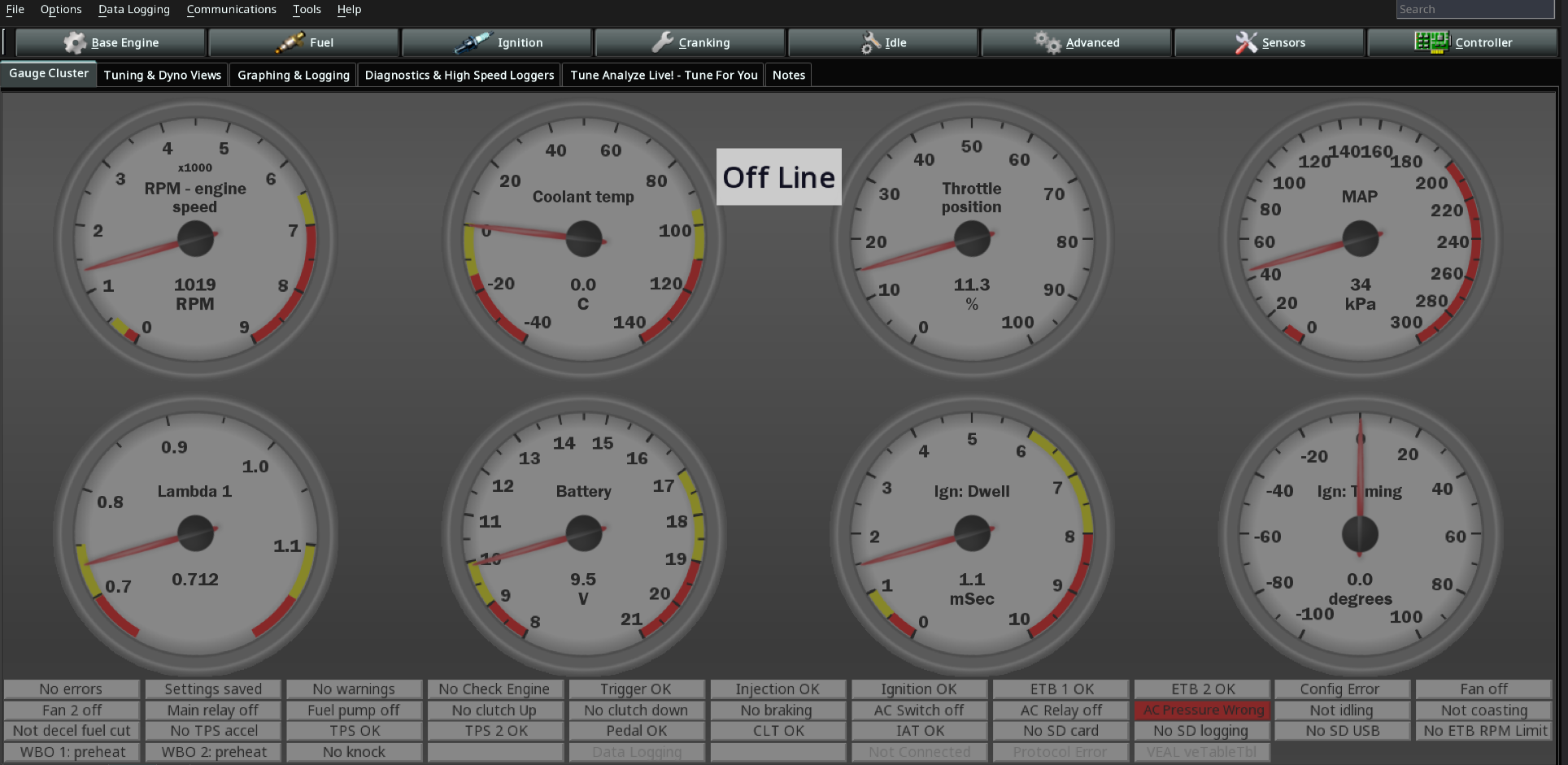
In tunerstudio you will be presented with a screen with several tabs on top, and a gauge cluster on the bottom. Your configurations and parameters will live on those tabs on top.
- Base Engine
- Base Engine Info
- You will be prompted to fill out basic information about your engine. Displacement, number of cylinders, firing order, (optionally) your car make and model, engine model and compression ratio.
- Additionally it will ask you to choose a fuel algorithm. Here's a small guide on how to pick one.
- Limits and Protections
- Rev Limiter, Boost Cut, Oil Pressure Protection, Lambda Protections, Injector DC Cut
- Trigger
- Primary Trigger Wheel type and Location (Crank or Cam), Trigger Angle, Cam trigger Selection and type, VVT Offset,.
- Outputs
- Here's where you set up Fuel Pump, Fan, Tachometer, Speedo Output, Starter Disable, Check Engine Light...
- Base Engine Info
- Fuel
- Injector Outputs, Injector Pairing or Sequential, Injector Size, Fuel Pressure compensation, Stoich AFR setup, Dead Times, VE Table. CLT/IAT Corrections, DFCO, Accel Enrichment...
- Ignition
- Spark Outputs, Dwell, Ignition Tables, Knock Retard Settings, IAT/CLT Corrections...
- Cranking
- Idle
- Advanced
- Launch Control, Boost, GPPWM, Drive By Wire, VVT, Lua Scripting...
- Sensors
- Controller
- Here you will find modes for Injector, Coils and Bench Test. Settings for CANBus, WiFi, Additional communication, SD Card Logging, Anti Lag, Rotary and Experimental stuff. Be careful, some options here assume you know what you're doing.